I have a bit of an odd request, maybe. For branding and other reason is it possible to change the theme name bbtheme to brandname so when others look at source code they will see “brandname” for the wp-content/themes/brandname/
Our White Labeling feature is solely for cosmetic purposes. Changing the folder name of the main theme won’t allow you to update it, like what the article states.
Thanks for that Ben. Can you clarify what cosmetic purposes means? Would the white labeling feature allow me to change the themename or no? Not really sure what white labeling is in reference to for bbtheme and bbplugin
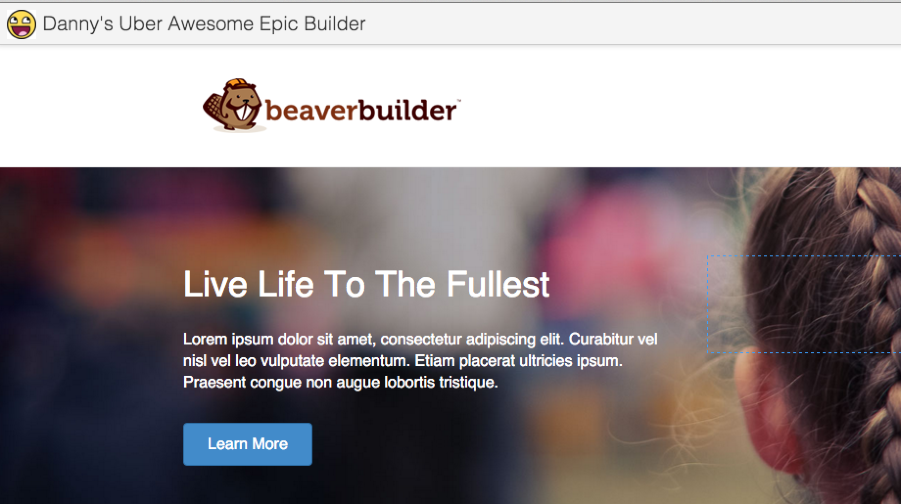
White Labelling allows you to change the name of the Page Builder and upload your own logo image for the BB plugin. So you can call the Page builder anything you like and those two options will replace the Page Builder phrase and Beaver logo image.
Like this:
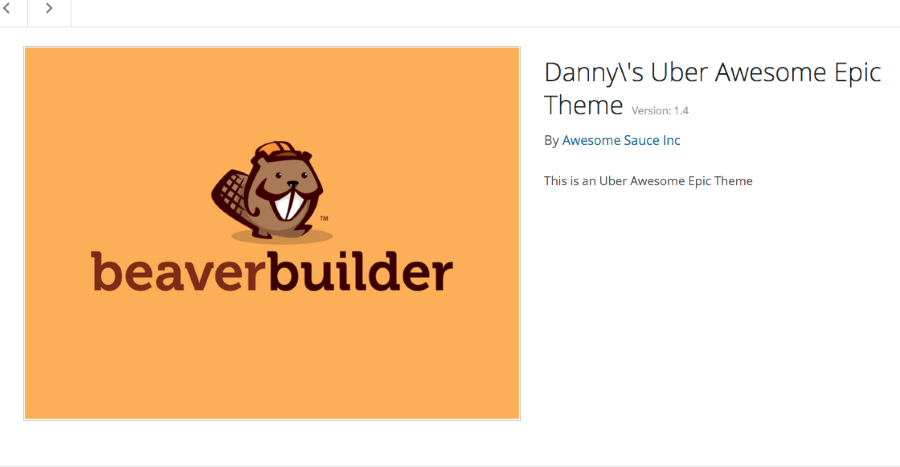
When you White Label the theme options, it will allows you to change the name, description, URL, Company name and screenshot. Like so:
However, white label can not and will not change the directory name of the plugin or theme. This is beyond our white labelling functionality.
If you’re using the parent theme, you can change the theme screenshot via the Branding options. If you’re using the child theme, you can change the screenshot by replacing the screenshot.png file.