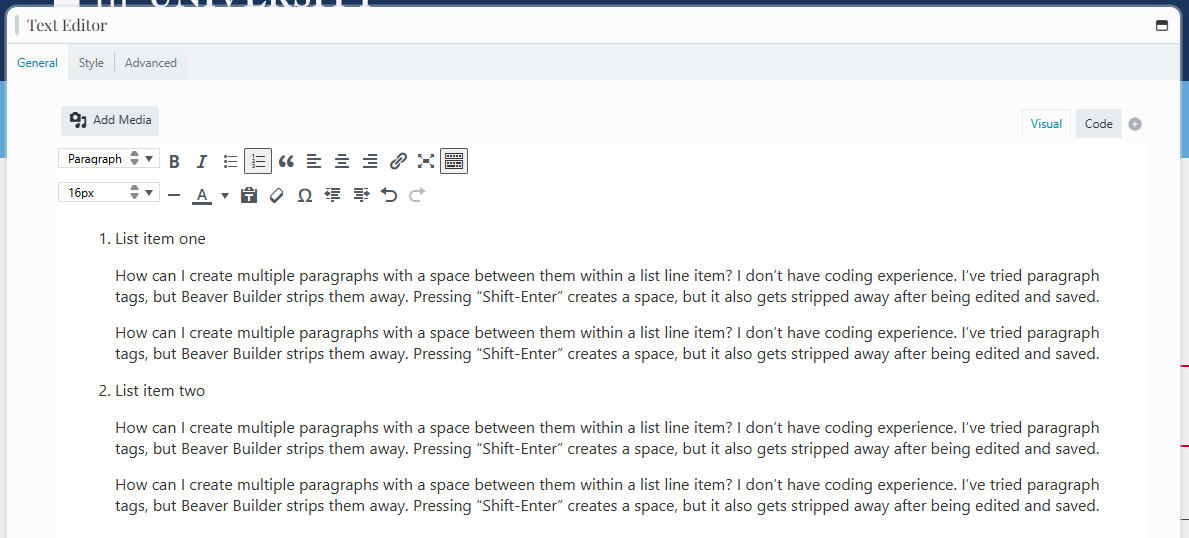
How can I create multiple paragraphs with a space between them within a list line item? I don’t have coding experience. I’ve tried paragraph tags, but Beaver Builder strips them away. Pressing “Shift-Enter” creates a space, but it also gets stripped away after being edited and saved.
If you’re using an unordered (bullet) list, I suggest making each item a new list. After the item, add your paragraphs and indent them to match the list indent.
If you’re using an ordered list, you can do the same approach. But you’ll need to then go into code view and add a start number for each item to make the numbering work.